PAO PAO Crossplay, Platforms & Lobby Modes
PAO PAO is out on Windows via Steam and Xbox Series X|S Game Preview, with PC-to-Xbox online co-op for up to 4 players through EOS lobbies.
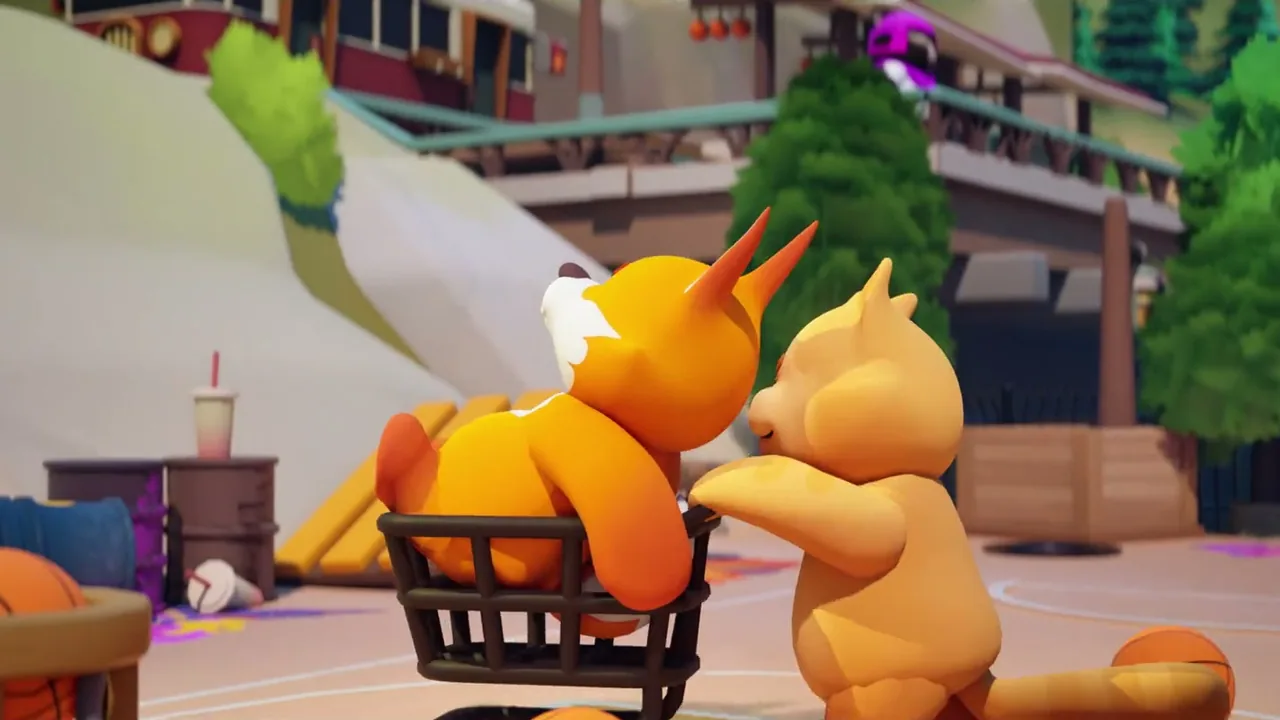
PAO PAO is available on Windows via Steam in Early Access and on Xbox Series X|S through Game Preview. Players on PC and Xbox can join the same online co-op session for up to 4 people by selecting EOS lobbies, shown as “Epic (crossplay)” in the main menu.
For full multiplayer gameplay details like voice chat, shared farming, and sleepovers, see our co-op and multiplayer guide.
Released Platforms
On PC, Dreland Enterprises launched the Windows edition via Steam in Early Access on October 26, 2026. On console, the same publisher distributes PAO PAO on Xbox Series X|S through Game Preview with console optimization and cross-platform co-op built in.
Both storefronts support cloud saving and achievements, pairing Steam Cloud and 35 Steam Achievements on PC with Xbox cloud saves and Xbox achievements on console. Language coverage differs between platforms, with 15 supported languages on Steam and 13 supported languages on Xbox, while the Steam version also enables Family Sharing.
| Platform detail | Steam (Windows) | Xbox Series X and S |
|---|---|---|
| Release program | Early Access (launched October 26, 2026) | Game Preview |
| Publisher | Dreland Enterprises | Dreland Enterprises |
| Co-op capacity | Solo or online co-op with up to 3 friends (4 total) | Single player or online co-op (2-4 players) |
| Cross-platform support | Cross-Platform Multiplayer via EOS lobbies | Xbox cross-platform co-op |
| Cloud sync | Steam Cloud | Xbox cloud saves |
| Achievements | 35 Steam Achievements | Xbox achievements |
| Supported languages | 15 languages | 13 languages |
| Additional store features | Family Sharing and full controller support | Optimized for Xbox Series X and S |
Read our controller and handheld setup guide for gamepad options and our save file and demo transfer guide for cloud backup details.
How to Enable Crossplay (Steam vs EOS Lobbies)
PC players start on Steam lobbies by default after a post-launch connectivity patch introduced them to improve connections for players in China and additional regions. Because cross-platform play uses EOS lobbies rather than Steam lobbies, anyone on PC joining or hosting an Xbox teammate needs to switch modes first.
Switching Between Steam and EOS Lobbies
- Open the “Co-op” screen from the main menu and locate the “Connection mode” setting.
- Change the mode from “Steam” to “Epic (crossplay)” for PC-and-Xbox parties, or leave “Steam” active for PC-only sessions.
- Make sure the host and every invited guest pick the exact same lobby type, because mismatched Steam and EOS settings will not connect.
- Linking an Epic Games account is optional when the account-link prompt appears.
- Once every party member matches modes, the host opens a room under “Create Lobby” and shares the “Lobby Code”, while guests join from the “Lobby List” or “Enter Code”.
Common Connection Messages & Fixes
Connection notices during lobby setup point to mismatched Steam and EOS modes, disabled cross-platform settings, an offline Steam client, or a lost connection to the online service.
| In-game message or issue | What triggers it | What to do |
|---|---|---|
| “This lobby uses a different connection mode. Change the mode in the “Co-op” menu” | Host and guest are split between “Steam” and “Epic (crossplay)” | Open “Co-op” in the main menu and match the host’s “Connection mode” |
| “Cross-platform play is disabled for one of the players” | One player in the party has cross-platform play turned off | Enable cross-platform play for all participants before retrying |
| “Steam is unavailable. Make sure Steam is running and online” | Steam client is offline or unreachable while “Steam” mode is selected | Launch and sign in to Steam, or change “Connection mode” to “Epic (crossplay)” |
| “Would you like to link your account with Epic Games? (Optional)” | Optional account-link prompt for Epic Games | Linking is optional; you can accept or decline the prompt |
| “Lost connection to the online service: new players won’t be able to join, and voice chat may not work. To let players in again, the host must recreate the game.” | Host lost connection to the online service during a live session | Have the host recreate the game so teammates can join again |
If your group is opening a brand-new restaurant together, head to our beginners guide for first-week setup tips.