PAO PAO Co-op & Multiplayer Guide – Lobbies & Fixes
PAO PAO co-op and multiplayer guide covering 1-4 player lobbies, Steam vs EOS cross-platform play, voice chat, shared farming, sleepovers, and save fixes.

PAO PAO supports solo play and online co-op for 1 to 4 players across Windows on Steam and Xbox Series X|S Game Preview. If your group is opening the restaurant for the first time, pair this walkthrough with our PAO PAO beginners guide.
Player Count, Platforms & Cross-Platform Overview
Groups of up to 4 players (solo or with up to 3 friends) can share a town and run the restaurant together. On PC, the game launched on Windows in Early Access on October 26, 2026 via Steam, published by Dreland Enterprises. On console, the Xbox Series X|S release is available through Game Preview with single-player and online co-op support for 2 to 4 players.
Cross-platform co-op connects PC and Xbox players when everyone uses EOS lobbies (labeled “Epic (crossplay)” inside the game menu). Cloud saves are available on both storefronts through Steam Cloud on PC and Xbox cloud saves on console. Steam lists 15 supported languages, whereas the Xbox storefront lists 13 supported languages.
| Feature | Steam (PC) | Xbox Series X and S |
|---|---|---|
| Release program | Early Access (Windows) | Game Preview |
| Player count | Solo or up to 3 co-op teammates (4 total) | Single player or online co-op (2-4 players) |
| Cross-platform play | Supported via EOS lobbies | Xbox cross-platform co-op |
| Cloud saves | Steam Cloud | Xbox cloud saves |
| Supported languages | 15 | 13 |
Steam Lobbies vs EOS Lobbies & Connectivity Fixes
A post-launch connectivity update added Steam lobbies as the default mode on PC to resolve regional connection problems in China and other countries. EOS lobbies stay available for cross-platform groups, and you can switch between Steam and EOS modes from the main menu under “Connection mode” inside the “Co-op” screen.
Every person in the session must use the same lobby type to join. If a guest attempts to enter a room hosted on the opposite network, the game warns that the lobby uses a different connection mode and instructs you to change modes in the “Co-op” menu. If one participant has cross-platform play turned off, the game blocks the connection and displays “Cross-platform play is disabled for one of the players”.
| Lobby detail | Steam lobbies | EOS lobbies |
|---|---|---|
| Default behavior | Enabled by default on PC | Optional mode selected in the main menu |
| In-game mode label | “Steam” | “Epic (crossplay)” |
| Primary use | PC groups and regional connectivity in China and other regions | Cross-platform co-op between PC and Xbox |
| Account requirement | Must have Steam running and online | Epic Games account link prompt (optional) |
| Matching rule | Host and all guests must pick Steam | Host and all guests must pick EOS |
Private Lobbies, Codes & Host Controls
Inside the “Co-op” menu, hosts select “Create Lobby” and toggle “Lobby Visibility” between “Public” and “Private”. Friends can locate open rooms in the “Lobby List” or select “Enter Code” to paste a shared “Lobby Code” (copying displays “Code Copied”).
Controller and Steam Deck users can type lobby codes through the Steam keyboard, added alongside controller navigation fixes. Earlier multiplayer patches also resolved failures when joining private lobbies and fixed broken world previews during session entry.
For session moderation, the game interface provides “Mute player”, “Remove player”, and “Ban player” actions. Kicked guests receive a “Removed from Server” notice, while banned accounts see “Banned from Server”.
Voice Chat Settings
Built-in voice chat controls were introduced in the second demo patch. Voice chat settings include “Voice chat mode” (“Always on”, “Push to talk”, or “Off”), “Microphone”, and “Microphone Volume”, and the interface also includes a “Mute player” option.
Shared Co-op Systems: Cooking, Farming, Fishing & Sleepovers
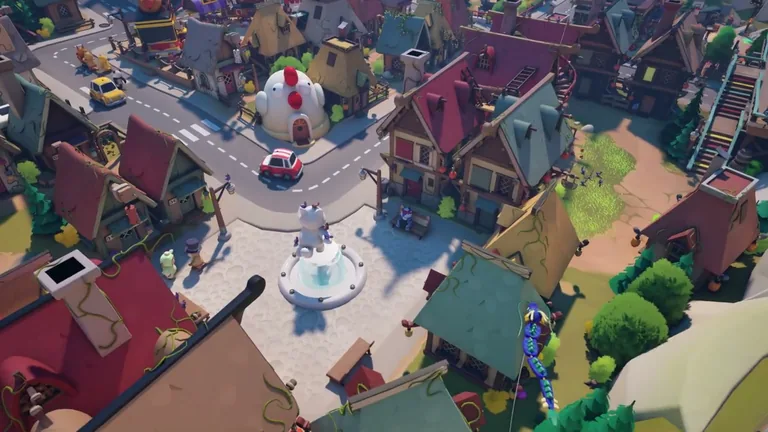
A group of up to 4 players does not have to stay glued to one spot. Teammates can divide tasks across the kitchen during service or split up across town to farm, fish, gather resources, and decorate.
Running the Kitchen Together
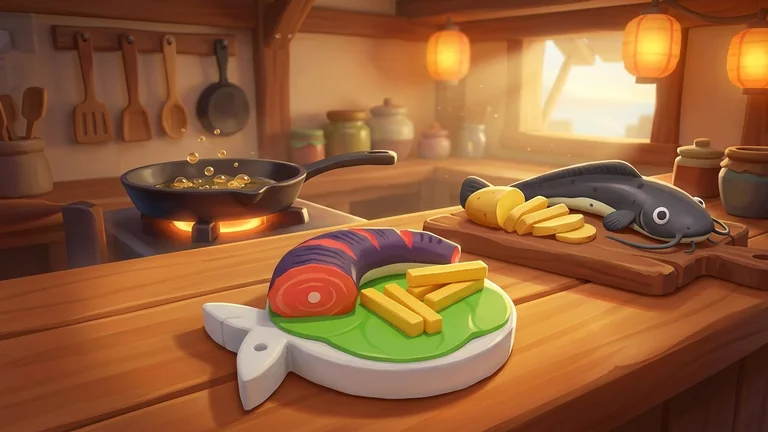
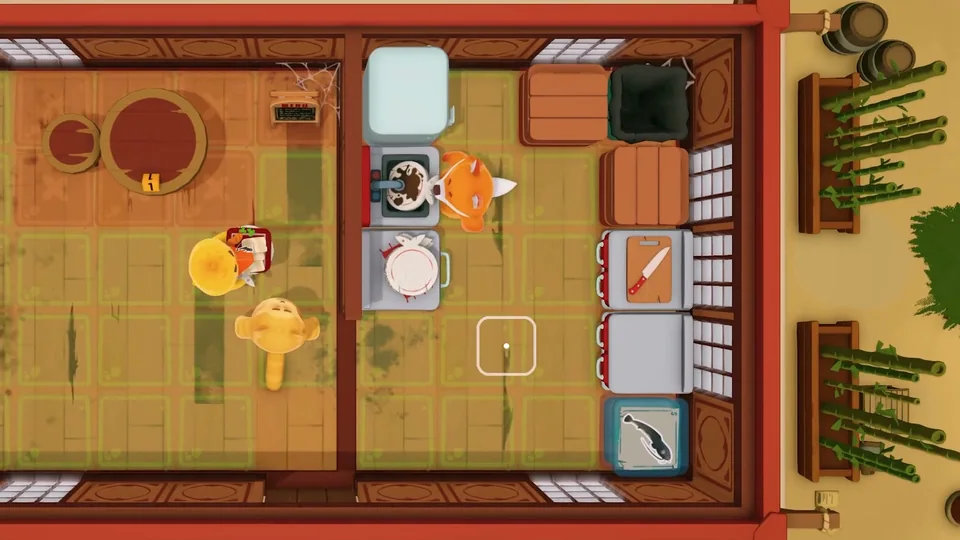
During restaurant shifts, multiple chefs can divide order prep, cooking stations, serving, and dishwashing to handle a full dining room. Update 1.0.2 reduced restaurant dirt in single-player sessions for less solo cleaning. Plan dish loadouts and margins ahead of service with the recipes database, our profit calculator, and the restaurant and cooking guide.
Several multiplayer kitchen fixes are already live: players can no longer hold multiple items simultaneously, plates no longer clip inside characters, shift result calculations were corrected, and dishwashing sink plus cutting board interaction issues were patched. In “Edit Mode”, the game’s prompts state “All players must leave the editing area” and warn that an item cannot be placed if the spot is blocked by a player. A patch also fixed items vanishing if someone disconnects during editing.
Shared Co-op Farming
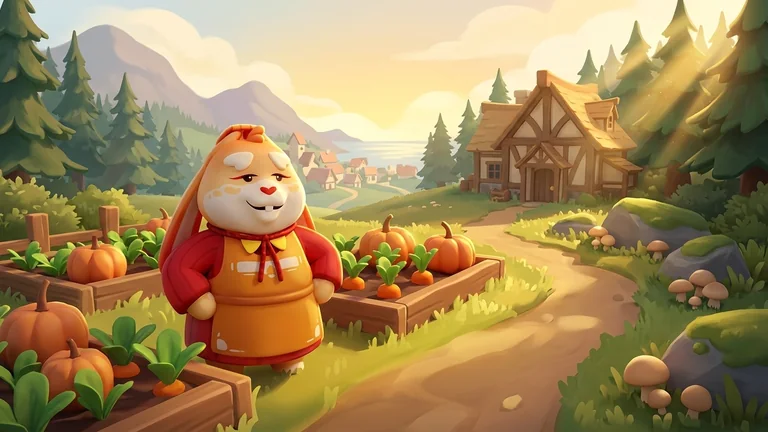
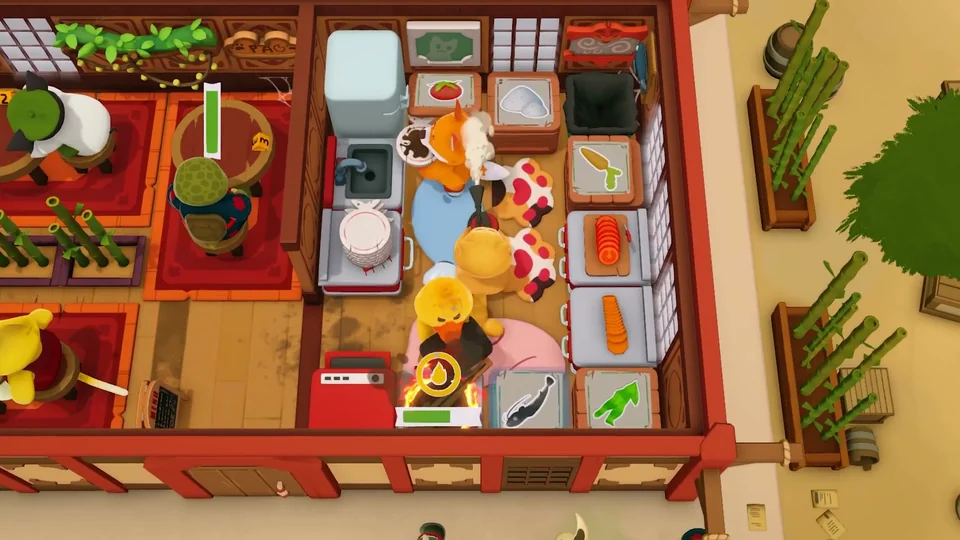
A post-launch update introduced shared co-op farming, allowing friends to dig beds, plant seeds, water crops, and harvest together on the same plot. Earlier multiplayer patches resolved garden bed, treasure chest, and dirt pile item duplication bugs, as well as controls locking right after harvesting crops. Check seasonal bed compatibility in the crops database and plan group planting cycles in our farming and foraging guide.
Independent Fishing Boats
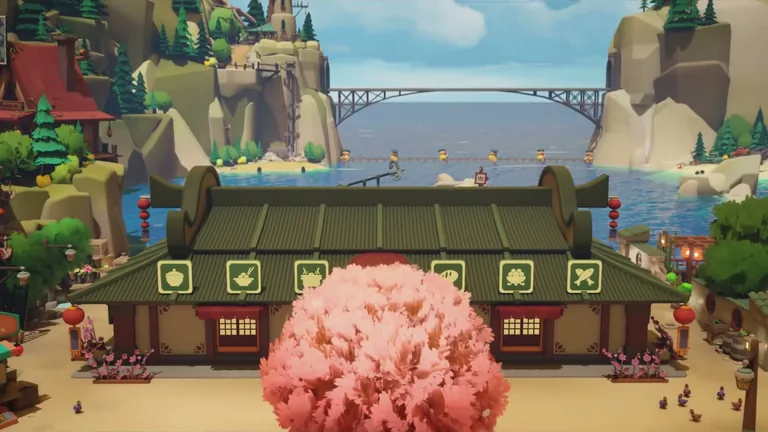
In an earlier demo update, the single shared boat was replaced with four smaller boats so every player in a full lobby can head out onto the bay independently instead of waiting on one driver. A later update also fixed a bug that could trap players when exiting boats and adjusted fishing balance. Browse catches in the fish database, locate fishing spots on the town map, and read our fishing guide.
Sleepovers, Server-Side Sleep & Town Activities
Sleep runs on server-side logic so teammates do not freeze or get stuck in beds. Since the post-launch cozy update, players can also sleep in other players’ houses instead of trekking back to their own bed before night ends. Sleeping saves daily progress, and attempting to exit without sleeping triggers the warning “You’ll lose your daily progress if you don’t sleep!”
Outside shift hours, groups can take breaks around town by organizing boat races, playing basketball, spraying each other with water guns, throwing food around, or spending an afternoon at the arcade.
Scaling Kitchen, Farm & Houses for Groups
Groups of 2 to 4 players can expand the restaurant and buy faster cooking and washing stations as they unlock Restaurant Stars. Across all categories, the game contains 81 equipment and upgrade entries — including 34 kitchen equipment items, 33 upgrades, 9 reconstruction projects, and 5 house renovations. Faster cooking and washing stations are sold at  Kitchen Equipment Shop, while building expansions and garden plot upgrades unlock by restaurant star tier.
| Upgrade or station | Category | Cost | Stars needed | Group benefit |
|---|---|---|---|---|
 Small Restaurant |
Upgrades | 1,500 Gold, 10 Oak, 10 Granite | 2 Restaurant Stars | Expands restaurant floor plan |
 Cozy Restaurant |
Upgrades | 3,000 Gold, 15 Beech, 15 Slate | 4 Restaurant Stars | Mid-tier restaurant expansion |
 Spacious Restaurant |
Upgrades | 5,000 Gold, 20 Marble, 20 Bamboo | 6 Restaurant Stars | Large restaurant expansion |
 Huge Restaurant |
Upgrades | 7,500 Gold, 30 Marble, 30 Maple | 8 Restaurant Stars | Largest restaurant floor plan |
 Fast Stove |
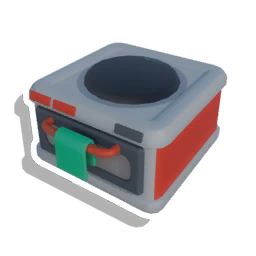
Kitchen Equipment | 2,500 Gold | 3 Restaurant Stars | Cooks faster with slightly fewer breakdowns, though left dishes ignite sooner |
 Fast Deep Fryer |
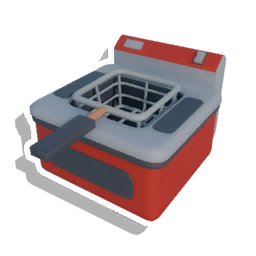
Kitchen Equipment | 3,750 Gold | 5 Restaurant Stars | Speeds up frying with improved safety, though food burns sooner |
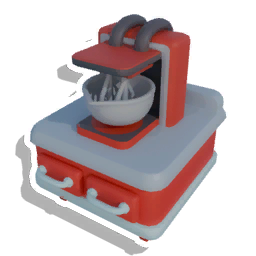 Fast Mixer |
Kitchen Equipment | 3,500 Gold | 5 Restaurant Stars | Mixes faster and breaks down less than the basic unit, though it ignites sooner if unattended |
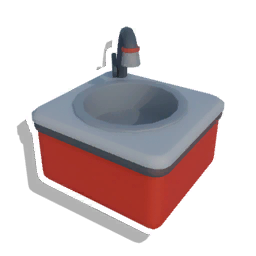 Upgraded Sink |
Kitchen Equipment | 2,500 Gold | 4 Restaurant Stars | Cuts down plate washing time while still clogging occasionally |
 Farm expansion I |
Upgrades | 3,000 Gold | 3 Restaurant Stars | Unlocks extra garden beds for shared planting |
 Farm expansion II |
Upgrades | 6,000 Gold | 4 Restaurant Stars | Unlocks additional garden beds across the plot |
Player Houses & Multi-Room Renovations
The Village area contains 4 Player Houses pinned on the world map, giving a full 4-player lobby individual homes. Everyone starts with the classic 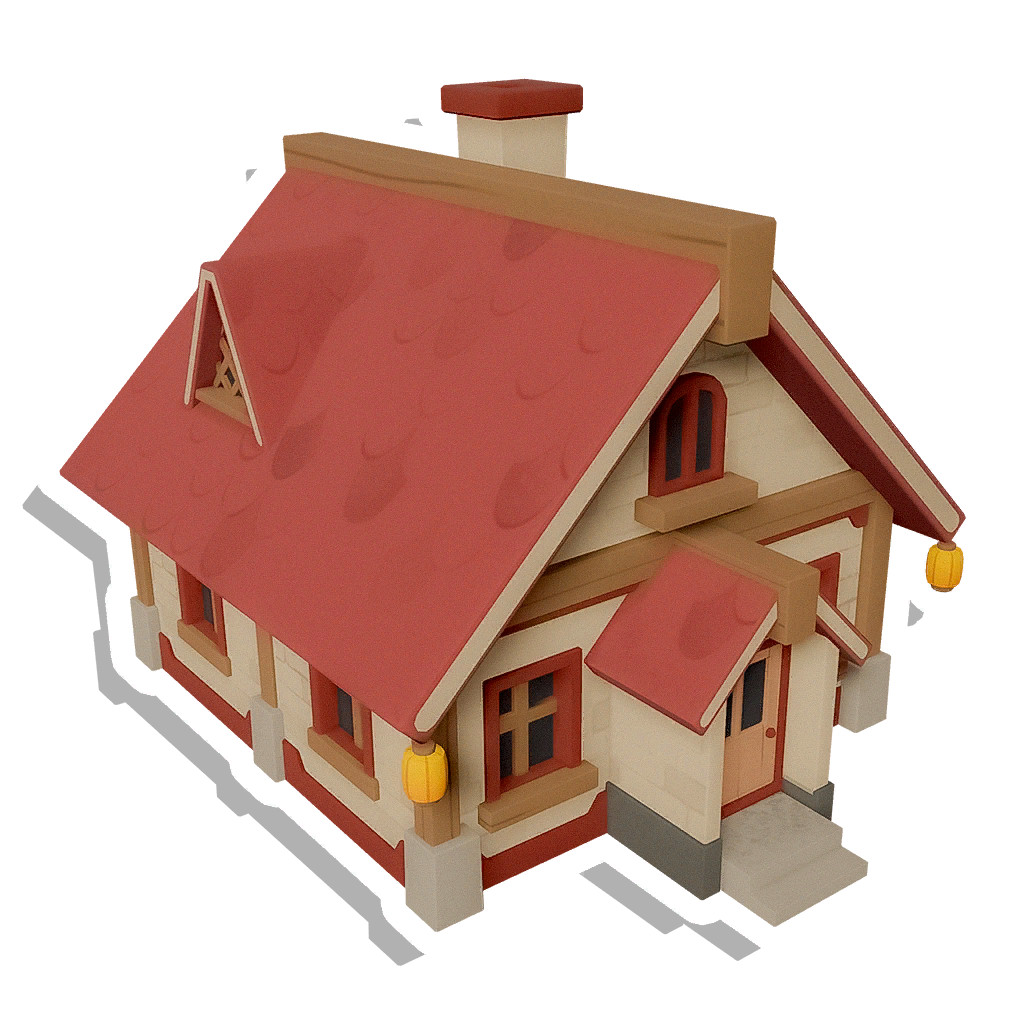 Old House at 0 Gold, and four upgraded house renovations with dedicated workshops cost 3,000 Gold each. Before swapping house styles in multiplayer, make sure guests step outside — the game blocks upgrades with “You can’t replace the house while other players are inside.”
| House renovation | Price | Layout and style |
|---|---|---|
| Old House |
0 Gold | Classic style with one large room |
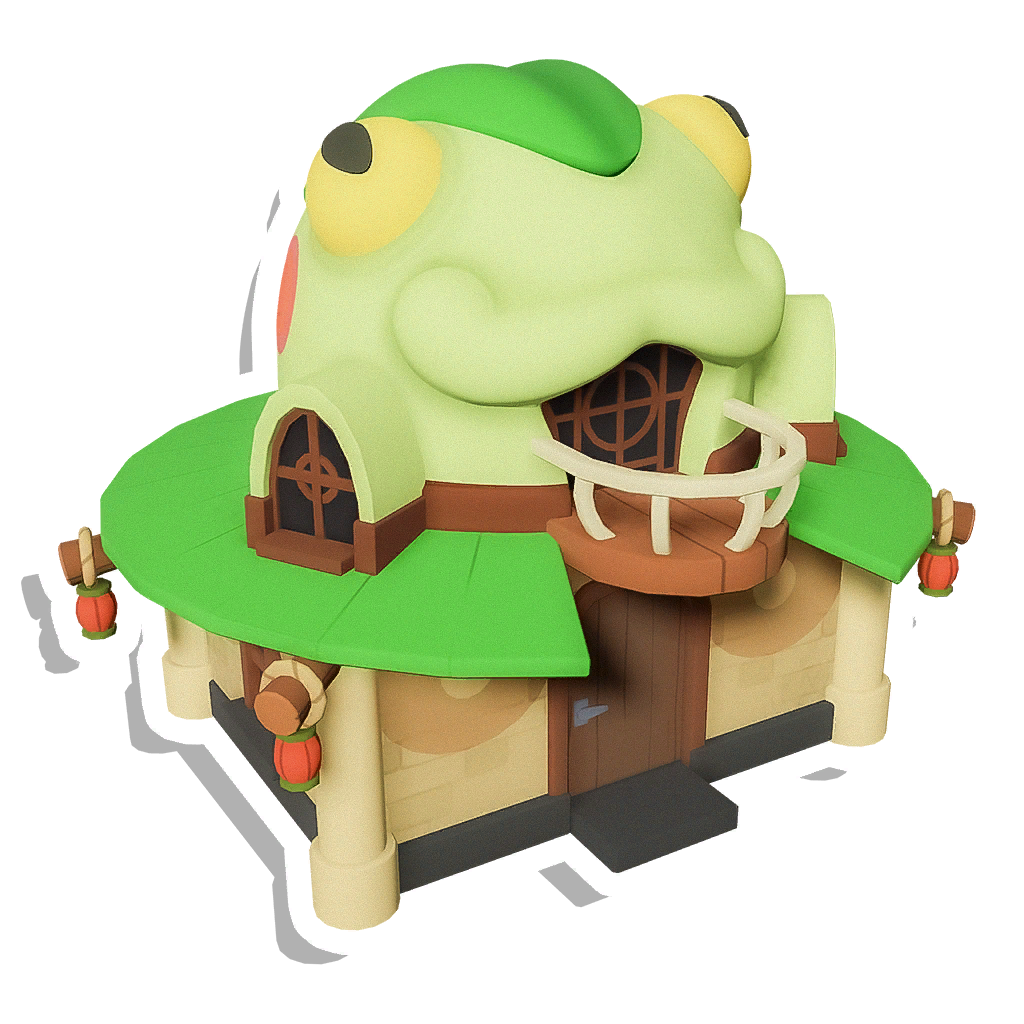 Frog House |
3,000 Gold | Amphibian style with 4 small rooms and a practical workshop |
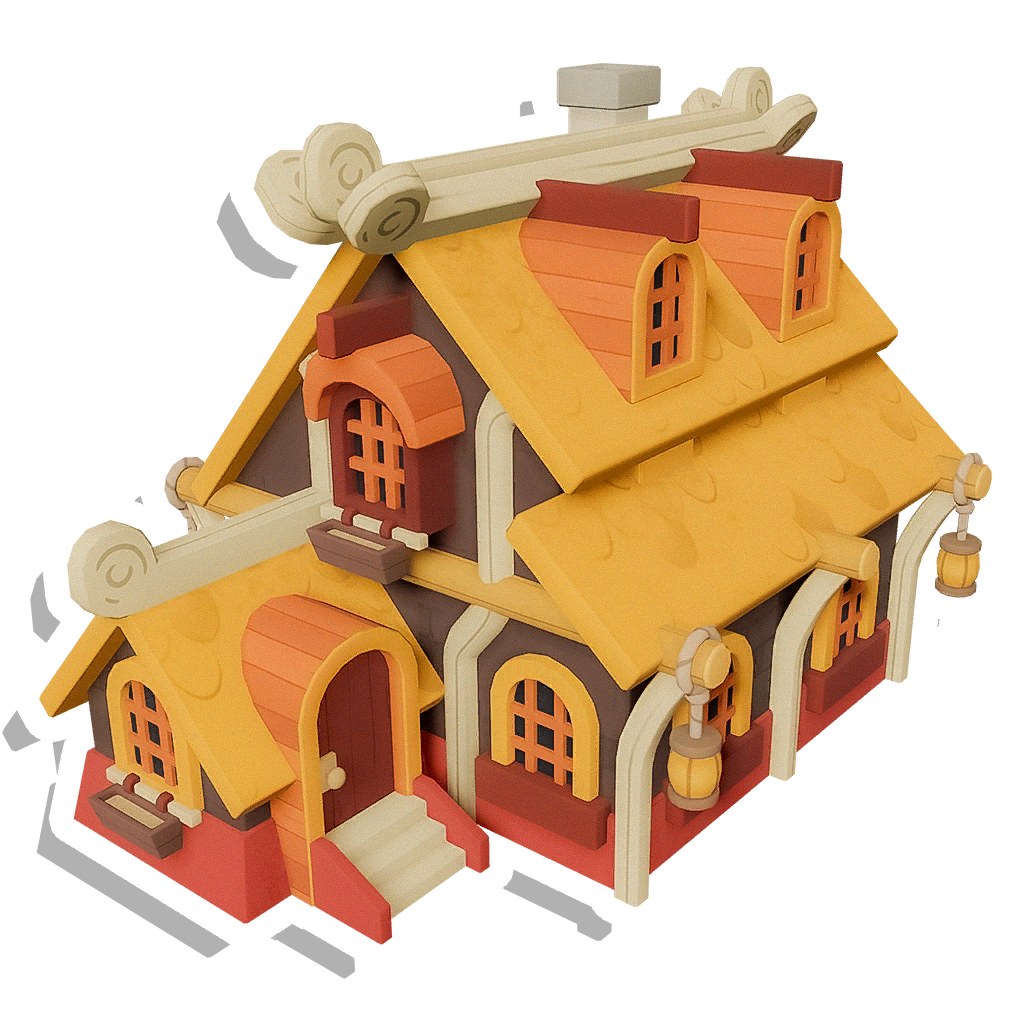 Country House |
3,000 Gold | Country style with three spacious rooms and a workshop |
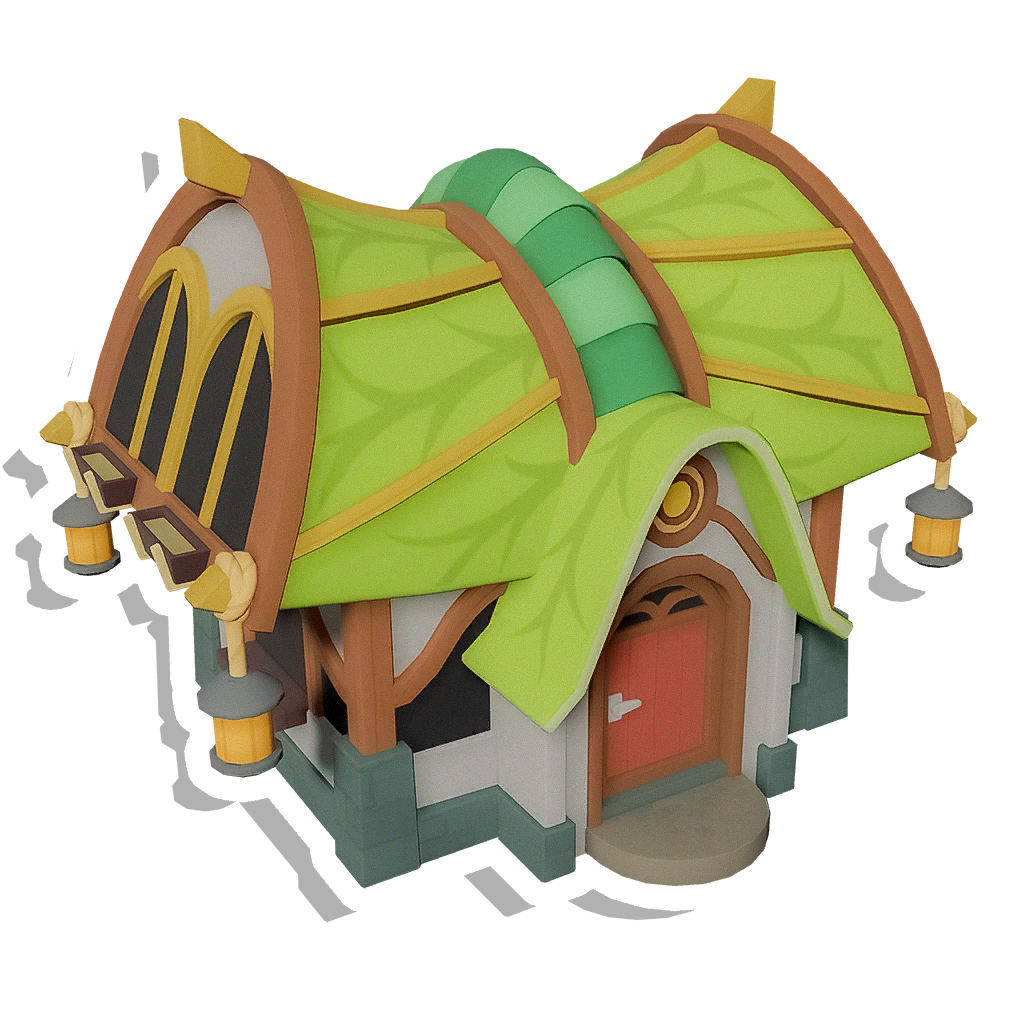 Eco-Home |
3,000 Gold | Eco style with four cozy rooms and a workshop |
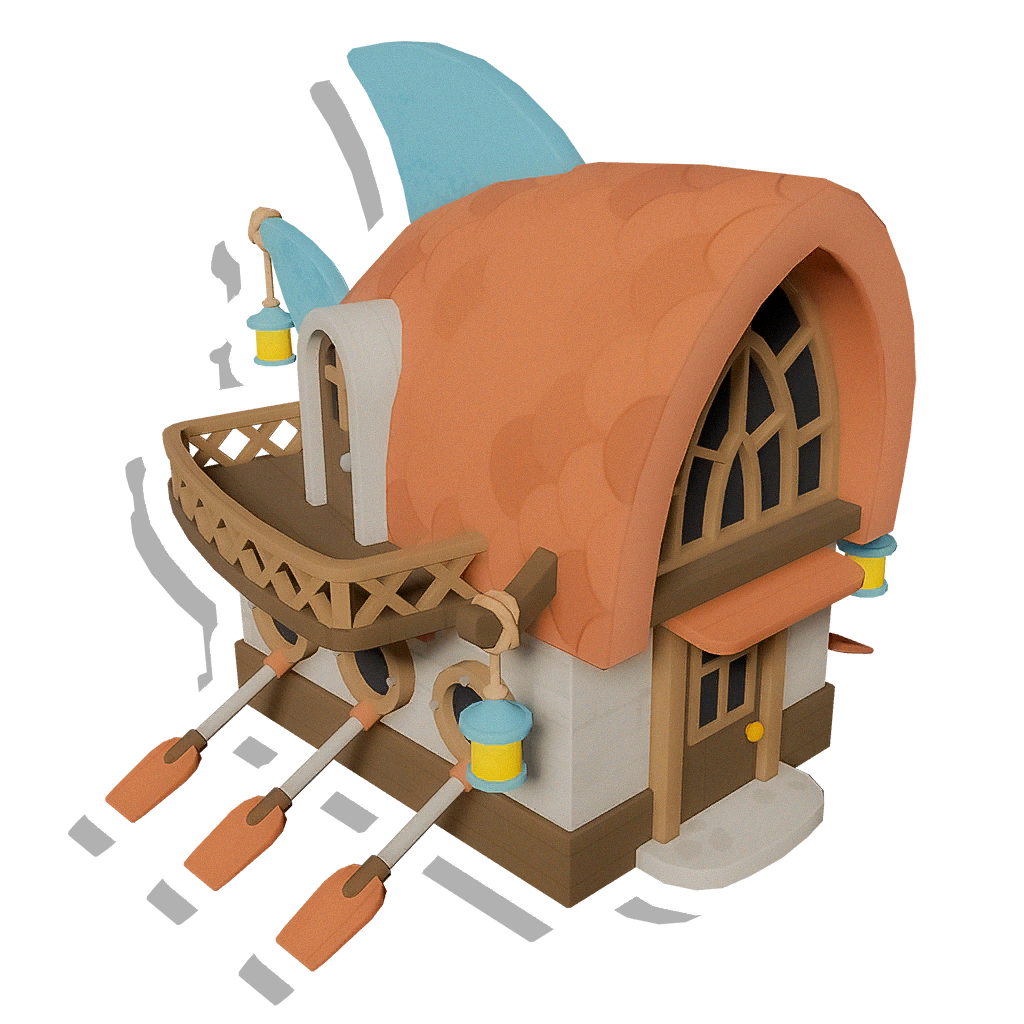 Cabin House |
3,000 Gold | Lagoon style with four comfortable rooms and a spacious workshop |
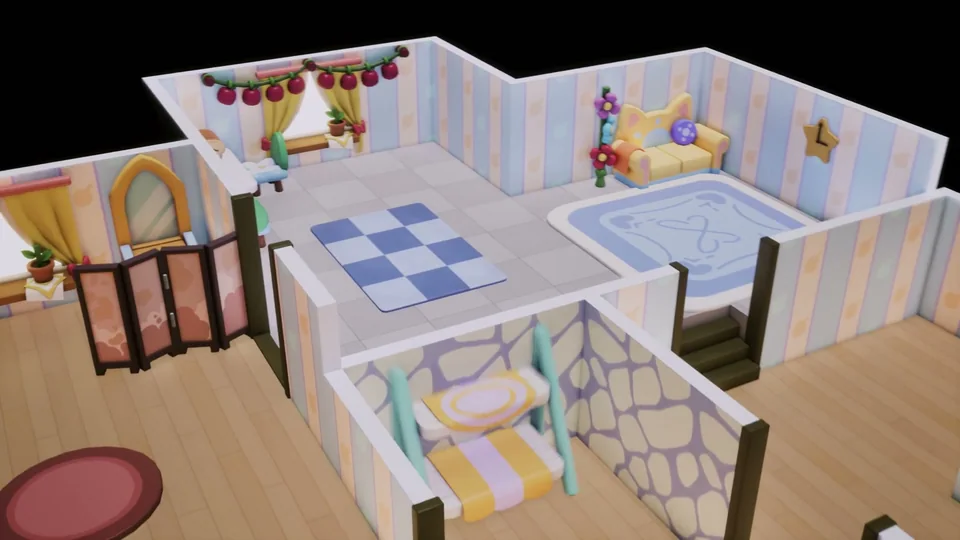
Browse full appliance costs, decor items, and storefront schedules across the equipment catalog, furniture list, and shops directory.
Demo Save Transfer, Cloud Sync & Common Fixes
The free PAO PAO demo closed on October 26, 2026 alongside the Early Access launch on Steam. Progress made during the demo transfers into the full game: when local demo files are detected, a prompt offers to transfer demo saves into the saved games list.
Launch-day hotfixes resolved demo transfer bugs. One hotfix repaired general save-transfer failures, while another fixed two post-import issues: restaurant upgrades refusing to purchase and broken progress on Fishy Business when importing from an older demo build. Update to the newest build before accepting the transfer prompt, and check remaining story or side objectives in the quests directory.
For ongoing multiplayer saves, progress persists through “Autosave” and end-of-day sleep, backed up remotely via Steam Cloud on PC or Xbox cloud saves on console. Earlier network patches also fixed money desyncs on weak connections, piggy bank duplication, negative coin values, money loss right after joining, infinite loading screens, and crashes or black screens when the host or another player leaves.
| Issue | Documented cause | Fix or check |
|---|---|---|
| Cannot join a friend’s lobby | Host and guest selected different modes (Steam vs EOS) | Match “Connection mode” in the main menu “Co-op” settings |
| Regional connection trouble in China or other regions | Connectivity issues prior to the Steam-lobby update | Update the game and use default Steam lobbies on PC |
| Cross-platform invite fails | One player is on Steam mode or disabled cross-platform play | Enable cross-platform play and switch to “Epic (crossplay)” |
| Cannot type a code on Steam Deck | Controller input on the private lobby code field | Open the Steam keyboard to enter the “Lobby Code” |
| Private lobby fails to join or preview | Pre-patch private lobby and world preview bugs | Update both clients and re-check the “Lobby Code” via “Enter Code” |
| Demo import blocks upgrades or Fishy Business | Unpatched launch build or outdated demo save | Update to the latest build before transferring demo saves |
| Cannot edit restaurant or replace house | A teammate is standing inside the editing zone or house | Ask all players to leave the editing area or step outside the house |